The NotionLock Blog
Guides, tutorials and deep dives on protecting Notion pages with a password. Practical tips for freelancers, teachers and creators.

Custom Domain: Turn a Notion Page into a Protected Mini-Site
Put your own domain in front of a Notion page and protect it with a password: more trust, your branding, private content. Here’s how.
Read article →
Selling Notion Templates: How to Deliver Them Password-Protected
Deliver your Notion templates through a password-protected download page and cut down on free sharing of the duplicate link.
Read article →
How to Protect Your Team’s Internal Wiki on Notion
Share procedures, runbooks and docs with outsiders without exposing them on the web: how to put a password on your team’s Notion wiki.
Read article →
How to Create a Private Client Area with Notion
Turn a Notion page into a password-protected client portal: project status, files and deadlines, with no Notion account and no links open to everyone.
Read article →
How to Password-Protect a Notion Portfolio (Guide for Creatives & Freelancers)
Designers, photographers and freelancers: how to password-protect a Notion portfolio, share it only with clients and recruiters, and use a custom domain.
Read article →
Notion for Teachers: How to Protect and Share Materials with Students
A practical guide for teachers, trainers and course creators: how to password-protect a Notion page and share handouts and materials with your students only.
Read article →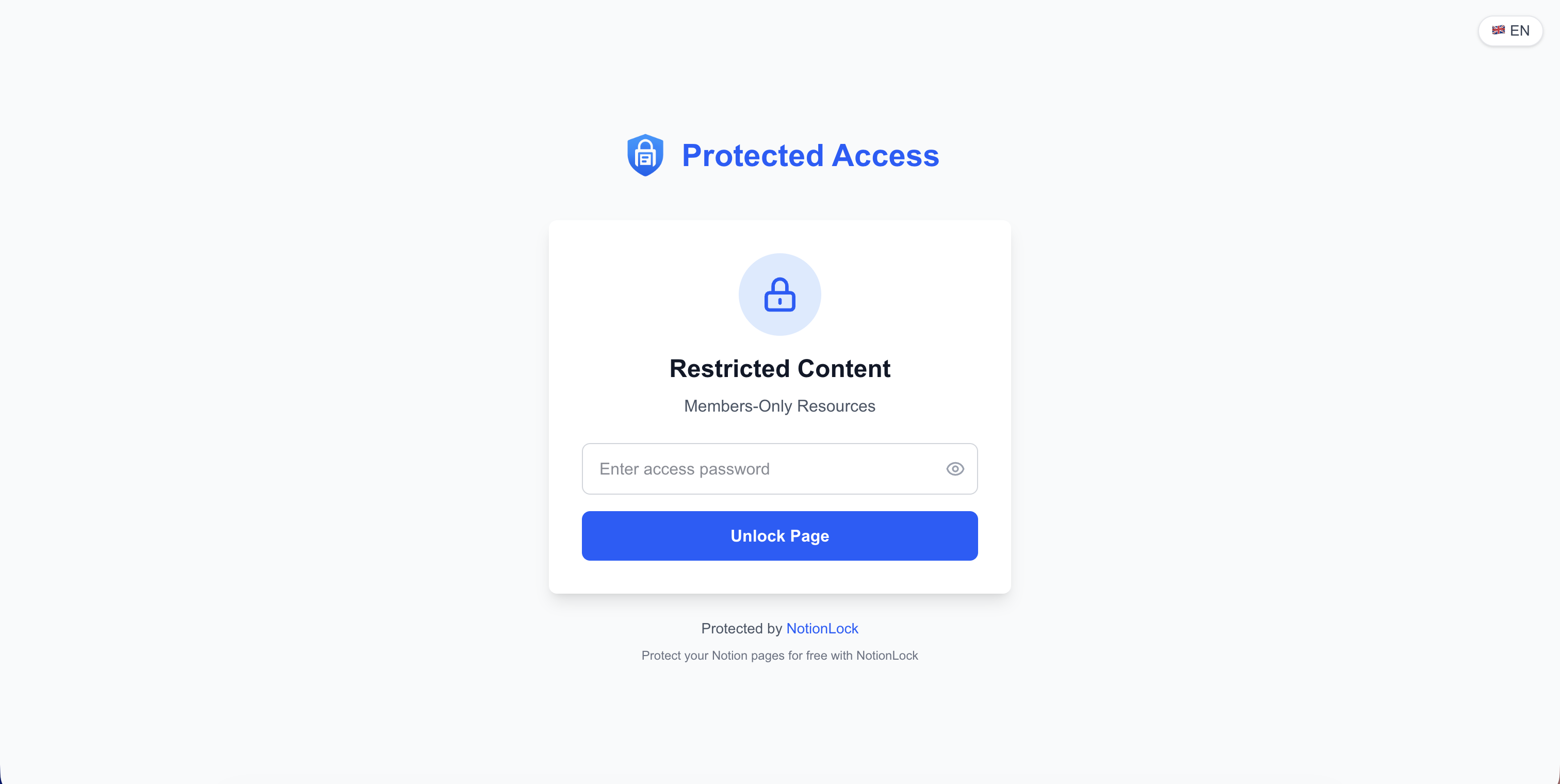
How to Share a Notion Page Securely With Clients
Notion only lets you share a page as public (anyone with the link) or invite-only (requires a Notion account). Here are the secure ways to share a Notion page with clients — honest pros, cons, and a 30-second password option.
Read article →
NotionLock vs Super.so vs Potion: the honest 2026 comparison
Three tools that start from Notion and do different things. Which to pick depending on your use case, no marketing fluff.
Read article →
Build a membership site with Notion in a weekend (practical guide)
Architecture, selling, maintenance and real numbers of a membership site built on Notion. No WordPress, no Patreon.
Read article →
Notion as a website builder: pros, cons, and when it actually makes sense
Can Notion replace WordPress, Webflow or Framer? Honest answer: sometimes yes, often no. Here's how to decide.
Read article →